The Homeowner’s Guide to Doorbell and Intercom System Installation
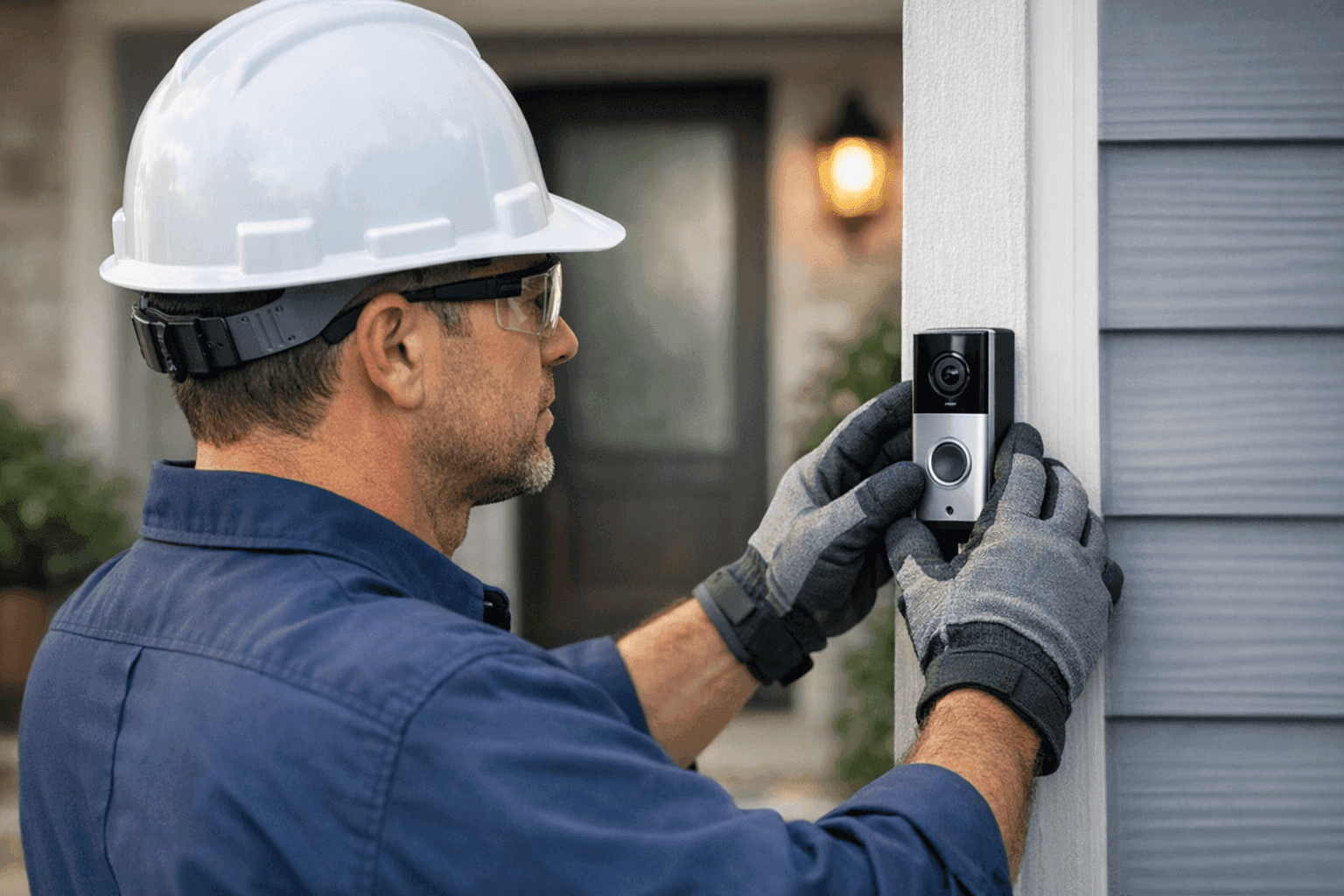
Every home has its heartbeat—the front door. It’s where security, hospitality, and technology meet. Doorbells and intercoms aren’t just gadgets; they’re the invisible handshake between your home and the world outside.
At Lighteq Electric, we know the right system can mean peace of mind, better security, and even a touch of modern convenience. Whether you're upgrading to a video doorbell or finally installing an intercom in your new addition, getting it right matters.
Types of Doorbells and Intercoms 🔔
Choosing a system is like choosing a front door—function, style, and security all come into play.
- Traditional Wired Doorbells: Reliable, simple, and often already in place in older homes. These systems use a transformer to reduce household voltage.
- Wireless Doorbells: No drilling, no wires. These are battery-powered and install in minutes.
- Video Doorbells: See and speak with visitors from your phone—wherever you are. Many include motion sensors and night vision.
- Audio Intercoms: Two-way voice communication for rooms, gates, or entrances. Handy for families and multi-story homes.
- Video Intercoms: Add a screen, and you’ve got eyes on every corner. Great for security and monitoring kids or deliveries.
- Smart Doorbells/Intercoms: Integrates with home automation for remote access, alerts, and even smart locks.
Think about your needs. Do you want to see who’s at the door before you answer? Need to communicate with an upstairs bedroom? The right system can be as simple or sophisticated as you want.
Safety First: Quick Electrical Checklist
Before you touch a wire or buy a kit, pause. Electricity demands respect. Here’s a quick check:
- Turn Off Power: Always switch off power at the breaker before installation or inspection.
- Check for Existing Wiring: If upgrading, know what’s behind the walls.
- Use Proper Tools: Insulated screwdrivers, voltage testers, and safety gloves are a must.
- Know the Codes: Local codes and the National Electrical Code (NEC) have rules for low- and high-voltage wiring. If you’re unsure, it’s wise to involve a licensed electrician.
DIY vs. Call a Pro
Some jobs are like changing a light bulb—others, like rewiring your car’s engine. Installing a simple wireless doorbell? Most homeowners manage fine. Running new wires through brick or integrating with home automation? That’s best left to a professional electrician.
- DIY-friendly: Battery-powered wireless units, upgrades to existing wired chimes.
- Call a Pro: High-voltage wiring, new circuits, integration with security systems, or work in wet areas (like pool & spa electrical near you).
When in doubt, safety wins.
What Happens When a Pro Arrives
Wondering what to expect? Here’s how installation unfolds:
- Assessment: The electrician inspects your home’s layout, wiring, and your chosen system.
- Planning: Identifies the best locations for buttons, speakers, and screens.
- Power and Wiring: Ensures safe wiring, correct transformer rating, and secure connections.
- Mounting & Setup: Installs devices, configures smart features, and tests for clear communication.
- Walk-Through: Explains operation, troubleshooting, and maintenance.
A professional’s touch means fewer surprises and a system that just works.
Step-by-Step: Doorbell & Intercom Installation Basics
For wired systems, the process is straightforward but demands care:
- Shut off power at the breaker.
- Remove old chimes or boxes.
- Locate transformer (often near the panel or furnace).
- Connect new wires: transformer to button, button to chime/intercom.
- Mount units securely at entry and interior points.
- Restore power and test.
Wireless installs? Usually as easy as syncing devices and sticking them to the wall—but always follow the manufacturer’s instructions.
Understanding Wiring and Power Needs ⚡
Doorbell and intercom wiring is the nervous system of your entryway. Most wired systems use low-voltage (16-24V) wiring, but some modern video or smart systems need standard 110V power or even PoE (Power over Ethernet) for networked devices.
- Transformers: Step-down household voltage to safe levels for doorbells.
- Low-Voltage vs. High-Voltage: Know what you’re working with. Mixing the two can be hazardous.
- Cable Types: Use the correct gauge—usually 18/2 or 20/2 for low-voltage, with proper shielding for intercoms.
Not sure what’s running through your walls? A licensed electrician can help identify and label circuits, especially if you’re thinking about Wiring & Circuits.
Smart System Features: The Modern Advantage
Today’s doorbells and intercoms do more than ring. Consider these features:
- App Integration: See and talk to visitors from your phone.
- Motion Alerts: Get notified of movement, not just button presses.
- Cloud Storage: Keep video records for added security.
- Smart Home Integration: Link doorbells to lights, locks, or even voice assistants.
- Remote Unlock: Let in guests or deliveries with a tap.
Homeowners often ask for systems that work with Alexa, Google Home, or Apple HomeKit. Compatibility is key—always check before you buy.
Integrating with Home Automation
A doorbell or intercom can be the first step to a smart home. Tie it to your existing automation hub, and you can:
- Turn on porch lights when someone rings.
- Unlock doors for trusted visitors.
- Get notifications on your phone or watch.
The magic is in the wiring and proper setup. If you’re planning a bigger home automation project, mention it up front—your electrician can design wiring that supports future upgrades.
Troubleshooting Common Problems 🛠️
Sometimes things go bump—or silent—in the night. Here are common issues and simple fixes:
- No Power: Check the breaker and transformer first.
- Weak or No Signal (Wireless): Move the receiver or check for interference from Wi-Fi devices.
- Intercom Static: Faulty wiring or a loose connection is often the culprit.
- Video Feed Issues: Confirm Wi-Fi strength, update firmware, and check app settings.
Still stuck? A professional can track down elusive faults quickly, especially if it’s a wiring issue behind walls.
Routine Maintenance and Prevention
Like any home feature, doorbells and intercoms need occasional TLC:
- Clean camera lenses and speaker grilles gently.
- Replace batteries in wireless units as needed.
- Check for loose wires or corroded connections annually.
- Update smart device firmware for security.
Preventative care saves you from bigger headaches later.
Costs, Time, and What to Expect
Installation costs range with complexity. Wireless units might take an hour. Full wired intercoms with multiple stations? Plan for half a day or more. Materials, labor, and any new wiring all play a role.
Ask for a clear estimate up front. At Lighteq Electric, we’re happy to outline the process so there are no surprises.
When It’s an Emergency
If your doorbell wiring sparks, smells of burning, or trips a breaker, shut off power immediately. Electrical issues at the entryway can be serious—especially near wet areas or if your system ties into other security devices. Emergency electrical service is available 24 hours for situations that can’t wait.
Seasonal Considerations
Think about weather exposure, especially for outdoor buttons and cameras. Choose weather-resistant models and consider a protective cover. In winter, condensation or ice can affect performance; check seals and connections before the cold sets in.
Common Mistakes (So You Don’t Make Them)
- Connecting high-voltage power to a low-voltage device.
- Skipping the transformer or using the wrong rating.
- Not testing the system before securing everything in place.
- Forgetting to check local code or permit needs.
Take your time. A little caution goes a long way.
Signs It’s Time to Upgrade
- Frequent malfunctions or dead spots in communication.
- Outdated tech that doesn’t support your phone or smart home.
- Security concerns—if you can’t see or speak to visitors easily, it’s time for a change.
Frequently Asked Questions
Do I need a permit for installation?
Usually not for low-voltage upgrades, but check city regulations or ask your electrician.
Can I use my old wiring for a new video doorbell?
Sometimes, but video models may need more power or a new transformer.
What’s the best way to make my intercom system secure?
Choose encrypted wireless models, change default passwords, and keep firmware updated.
Is professional installation really safer?
Yes—especially for homes with mixed wiring, older systems, or custom automation needs.
Why Professional Installation Matters
A doorbell or intercom is more than a button—it’s a bridge to your family’s safety and convenience. Mistakes can mean risks you don’t want. With a licensed electrician, you get:
- Work up to code and insurance requirements.
- Peace of mind that wiring is safe and future-ready.
- Advice on the best system for your needs, now and later.
If you're searching for an electrician company with experience in modern home tech, Lighteq Electric is ready to help.
Ready for a safer, smarter front door? Call Lighteq Electric now — or reach us anytime at 855-552-3493 .