How to Plan and Install Electrical System Upgrades for Home Offices
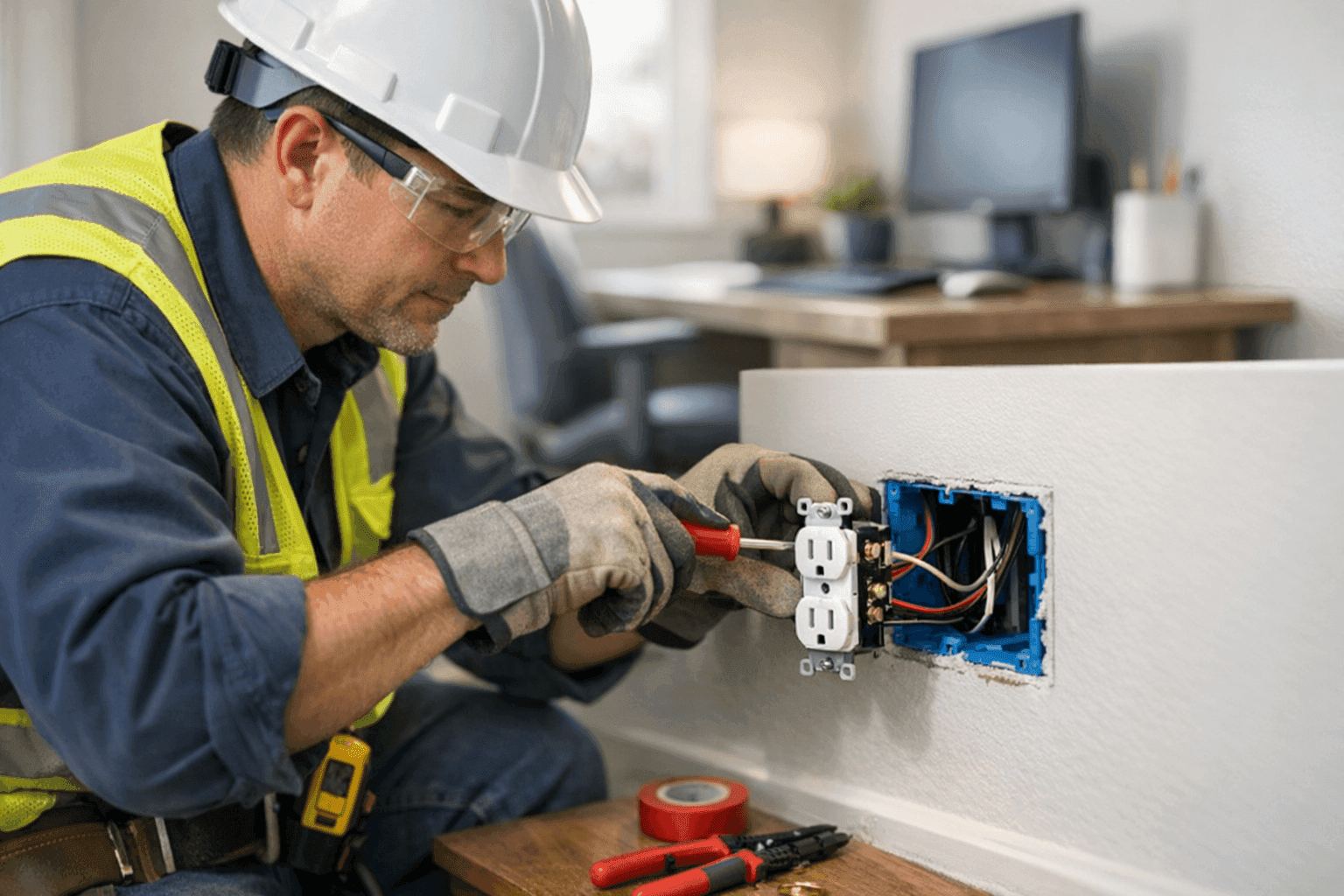
Working from home isn’t just a trend. It’s part of life. But a cozy corner and a laptop charger won’t cut it if your job demands real power, comfort, and connectivity. Does your home office electrical system keep up—or hold you back?
At Lighteq Electric, we see it all: overloaded outlets, flickering lights, tangled cables, and workspaces that just aren’t up to code. Upgrading your office wiring is more than a nice-to-have. It’s about safety, productivity, and peace of mind. Here’s how to plan smarter, so your home office stays reliable, efficient, and safe.
Office Power Needs ⚡
First, consider what you really need. A modern home office is a hungry beast. Computers, dual monitors, printers, routers, and chargers all demand power—sometimes all at once.
- Count your devices. Don’t forget that standing desk motor or space heater in winter.
- Check power ratings. Each device has its own appetite. Add them up to know your total load.
- Look for warning signs. Warm or buzzing outlets, tripped breakers, or flickering lights mean you’re pushing limits.
The National Electrical Code (NEC) sets clear guidelines for safe wiring and outlet placement. Overloading circuits isn’t just inconvenient—it’s risky. Safe planning starts with honest assessment.
Wiring and Outlet Upgrades
Cracked outlets, extension cords snaking under desks, or a single wall outlet powering everything? That’s a recipe for trouble.
What to Upgrade
- Add more outlets, spaced for your exact setup.
- Upgrade old two-prong outlets to modern, grounded three-prong ones.
- Consider USB and smart outlets for easy charging and control.
A licensed electrician will evaluate your panel and circuits, making sure your upgrades match today’s demands. If your home is older, you might need new wiring or a panel upgrade. The safety codes are there for a reason—never ignore them.
Learn more about our Installations if you’re planning a bigger project.
Lighting for Productivity 💡
Lighting can make or break your focus. Poor light strains your eyes, causes headaches, and makes those video calls look gloomy.
Bright Ideas
- Layer your lighting: overhead fixtures, desk lamps, and accent lights.
- Choose LEDs—they use less power and last longer.
- For video meetings, aim for soft, indirect light that flatters your face.
If your office doubles as a guest room, consider dimmers or smart switches so you can set the mood for any use. We help with lighting installations that are both functional and attractive.
Data and Network Cabling
A home office without fast, reliable internet is like a car without wheels. Wi-Fi is handy, but it’s not always enough—especially for video calls, uploads, or large downloads.
Why Cables Matter
- Hardwired Ethernet lines are faster and more stable than Wi-Fi alone.
- Quality cabling reduces interference and keeps your connection solid.
- Tidy cable management keeps your office safe and organized.
We recommend running dedicated network cables to your desk, especially if you work with large files or sensitive information. Learn more about our Phone, Internet & Data Cabling solutions.
Quick Safety Checklist
Before you start plugging in new gear, run through this:
- Are your outlets cool to the touch?
- Do your breakers ever trip when you use your office equipment?
- Any extension cords in permanent use? That’s a warning sign.
- All smoke and carbon monoxide detectors working?
If you answer “no” to any, don’t wait. Have a professional check your setup.
DIY vs. Call a Pro
Changing a lightbulb? Go for it. Rewiring? That’s a job for a licensed electrician. Electrical codes are strict for good reason—mistakes can shock you, start fires, or void your insurance.
A professional brings more than tools. They bring experience, code knowledge, and the right permits. They’ll spot hidden hazards and solve problems before they become emergencies.
What Pros Do On Arrival
When a Lighteq Electric electrician arrives, they’ll:
- Listen to your needs and check your current setup.
- Inspect wiring, outlets, and your panel for safety.
- Advise on upgrades that meet both code and comfort.
- Handle permits and paperwork for bigger jobs.
- Clean up when the job’s done.
We follow up-to-date NEC and local codes, so your upgrades last.
Prevention & Maintenance
A safe home office isn’t a one-time project. Electrical components wear out. Dust and debris can build up behind desks. Make regular checks part of your routine:
- Test outlets and GFCI safety features every few months.
- Replace any frayed cords right away.
- Schedule an electrical safety inspection every couple of years.
Costs & Time Factors
Worried about the budget? Upgrades can vary—a simple outlet addition is quick and affordable. Full rewiring or panel upgrades take longer and cost more. But think long term. Reliable power and safety are worth every penny.
Ask your electrician for a clear estimate before work begins. Timelines are shorter when you plan ahead and clear your workspace.
When It’s an Emergency
If you smell burning, hear buzzing from outlets, or see sparks, shut off power at the breaker and call for emergency help. Don’t try to fix it yourself. Fast action can prevent bigger damage or injury.
Common Mistakes in Home Office Upgrades
- Overusing power strips as a permanent solution
- Daisy-chaining extension cords
- Ignoring code requirements for GFCI outlets in certain rooms
- Forgetting surge protection for computers and electronics
Avoid these traps by working with a licensed electrician. Safety is always the priority.
Signs of Trouble
Stay alert for:
- Flickering lights
- Outlets that don’t hold plugs snugly
- Breakers tripping for no clear reason
- Discoloration or heat at outlets or switches
These are all signals your office wiring needs attention.
Timeline & Disruption
Most home office upgrades can be done in a day or two. Larger rewiring or panel work might take longer. Clear your workspace beforehand. Communicate with your electrician, especially if you work from home during the project.
Materials and Equipment
Quality matters. Choose outlets, wiring, and lighting fixtures with UL or CSA certifications. Use surge protectors for sensitive electronics. Never settle for “good enough”—your productivity and safety depend on it.
Seasonal Considerations
Winter brings heaters and extra lighting. Summer means fans and sometimes air conditioning. Plan your circuits for year-round needs, not just today’s setup.
FAQ
Q: Can I install new outlets myself?
A: It’s best to call a licensed electrician. Laws and codes exist to keep you safe.
Q: Do I need a permit for electrical work?
A: For many upgrades—yes. Your electrician will know what’s required.
Q: How often should I check my office wiring?
A: Inspect outlets and cords every few months. Schedule professional safety checks every few years.
Trusted Office Wiring Expertise
Your home office should support your ambition, not hold you back. Lighteq Electric brings the right experience, careful attention, and code knowledge to every job. Whether you need more outlets, better lighting, or new data cabling, we’re here to help.
For anyone searching for an electrician company that puts safety first, you can always find reliable electrician services in Irving.
Call Lighteq Electric now — or reach us anytime at 855-552-3493 .