How to Plan and Install a Home Automation System
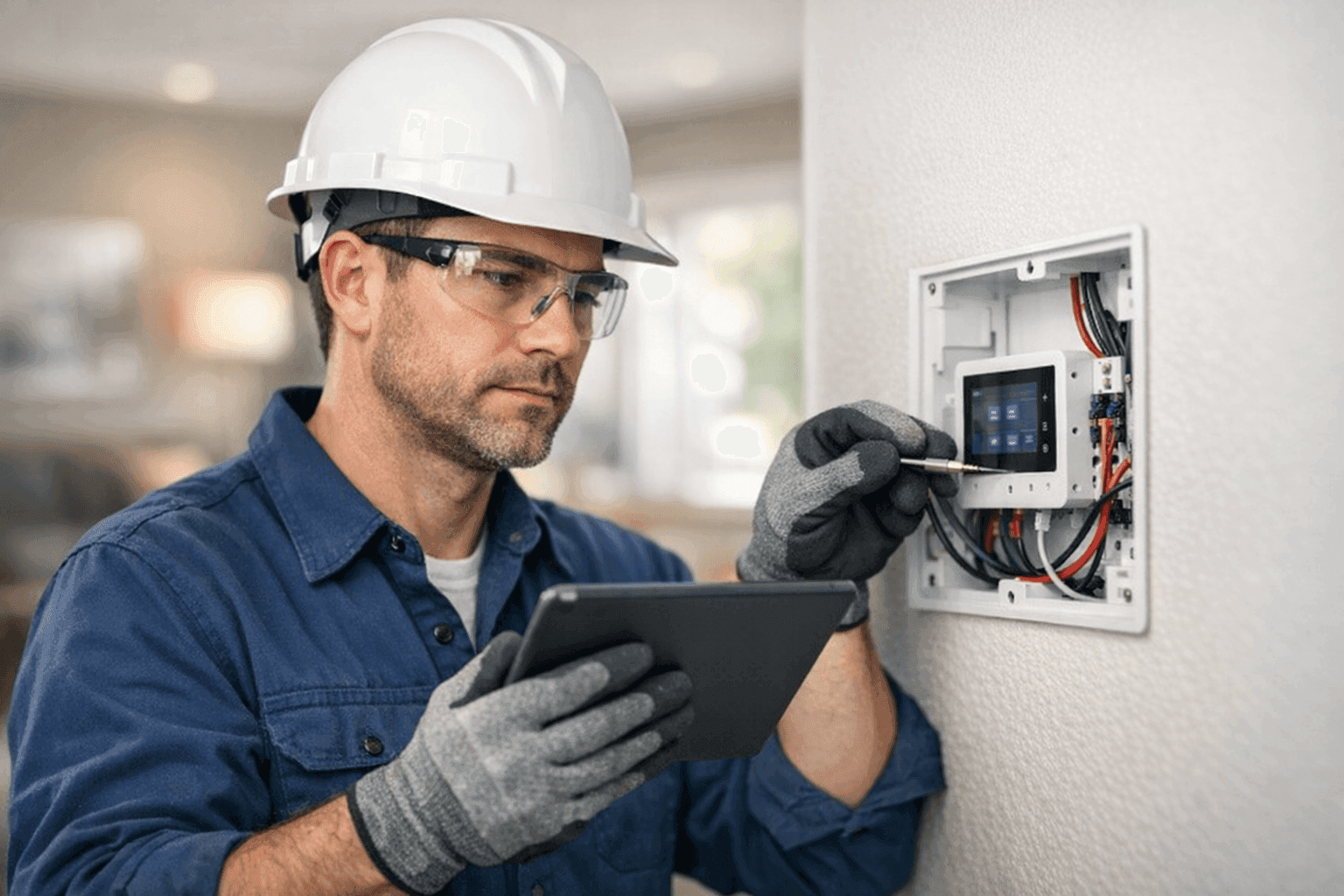
Does your house sometimes feel like it’s stuck in the past? Are you fumbling for light switches in the dark, or wondering if you left the garage door open—again? Home automation changes the game, turning ordinary spaces into responsive, secure, and efficient environments. But wiring your dreams together is more than plugging in a few gadgets.
At Lighteq Electric, we know every wire and device in your home is a puzzle piece. Planning and installing a smart system isn’t just a trend—it’s a future-proof way to live safer and more comfortably.
What Is Home Automation? 🤖
Home automation is the art and science of connecting devices—lights, thermostats, security cameras, even your coffee maker—so they work together, often by voice or smartphone. Imagine lights that dim as the sun sets, door locks that activate when you leave, or a pool pump that runs only when electricity is cheapest.
It’s not about flashy gadgets. It’s about making your life easier, safer, and more efficient. Many systems use platforms like Google Home, Amazon Alexa, or Apple HomeKit, but the backbone is always a solid electrical setup.
Planning Your System
Don’t buy the first “smart” device you see. Instead, sketch a map of your routines and pain points:
- Do you want to control lights from your phone?
- Need climate control for different rooms?
- Security cameras or doorbell alerts?
- Pool & Spa Electrical near you for automated water features?
Write down your “must-haves” and your “nice-to-haves.” This roadmap helps your electrician design a system that fits now—and can grow with your needs later.
Wiring and Power Needs
Smart homes are only as smart as their wiring. Many automation devices need:
- Consistent power (some can’t run on batteries alone)
- Wi-Fi or hardwired internet access
- Low-voltage wiring for controls
- Dedicated circuits for high-draw devices (think pool heaters or EV chargers)
Older homes often need upgrades. Knob-and-tube or aluminum wiring? You’ll need a professional assessment, especially for safety and code compliance. The National Electrical Code (NEC) sets standards for these upgrades, and your local building office may have its own rules.
Installation Steps
- Assess existing wiring. An electrician checks the bones of your system. Are the panels up to the task? Are your breakers labeled and sized correctly?
- Map out device locations. Where will you want switches, outlets, sensors, and hubs? Think ahead for holiday lights, outdoor speakers, or future renovations.
- Upgrade panels and circuits if needed. This is the time to add more capacity—not after you’ve bought all your gadgets.
- Run new wiring. Low-voltage wires for controls, shielded cables for data, and high-voltage lines for big appliances.
- Install devices. Smart switches, outlets, thermostats, security cameras, and hubs all get installed and tested.
- Configure software and integrate devices. Set up routines, scenes, and automations that make your day seamless.
Quick Safety Checklist 🦺
- All work meets NEC and local codes.
- Only UL-listed (or equivalent) devices used.
- GFCI protection in wet areas—bathrooms, kitchens, poolside.
- Smoke and carbon monoxide detectors tested and interconnected.
- Surge protection installed on main panel.
If you’re not sure, ask your electrician for a written checklist at the end of the job.
Common Mistakes and How to Avoid Them
- Overloading circuits: Too many devices on one breaker spells trouble.
- Ignoring Wi-Fi coverage: Smart doesn’t mean reliable if your signal drops on the back porch.
- Mixing brands without checking compatibility: Not all devices play nice together.
- DIY overload: Mistakes in wiring can void insurance—or worse.
DIY vs. Call a Pro
Swapping a light bulb is one thing. Rewiring a panel or installing a new circuit for your smart oven is another. If a project involves:
- Cutting into walls
- Working near water (pool, spa, bath)
- Connecting to main panels
- Anything over 120 volts
…it’s time for a licensed electrician. Lighteq Electric handles everything from Installations to Electrical System Design, so your home is safe and future-ready.
How Do Pros Approach the Job?
- Start with a full safety inspection.
- Create a map of circuits and devices.
- Label everything. This avoids confusion and headaches later.
- Test each device and automation.
- Walk you through controls and troubleshooting.
Prevention & Maintenance
A smart system doesn’t mean “set it and forget it.” Regularly:
- Update firmware on devices and hubs.
- Test sensors, batteries, and backup systems.
- Schedule annual electrical safety inspections—especially if you add new devices.
Costs & Time Factors
No two homes are alike. A simple system might take a day. Full-home wiring? Plan for a week or more, especially if upgrades or repairs are needed. Costs vary by home size, number of devices, and whether your wiring needs a refresh.
Always ask for a written estimate and plan for a little extra—surprises sometimes lurk behind walls.
When It’s an Emergency
Sparks, smoke, buzzing panels, or flickering lights aren’t just annoying—they can be dangerous. Shut off power at the main panel and call Lighteq Electric’s 24-hour service for immediate help. Never ignore burning smells or warm outlets.
Timeline & Disruption
Installing a home automation system can mean a little dust and a few hours without power. Plan for:
- Some rooms being off-limits during work
- Wi-Fi interruptions
- Patchwork on walls or ceilings if new wiring is needed
A good electrician will minimize mess and keep you informed.
Materials and Equipment Checklist 🧰
- Smart switches, dimmers, outlets
- Hubs (Google, Amazon, Apple, etc.)
- Data cabling (Ethernet, Cat6)
- Motion and contact sensors
- Smoke and CO detectors
- Surge protectors
- Circuit breakers and panels
Always use products tested and certified for home use.
Troubleshooting
- Device won’t connect? Check power and Wi-Fi first.
- Automations not running? Reboot the hub and check app settings.
- Lights flicker or don’t respond? Double-check wiring and circuit load. Sometimes, old dimmers or switches don’t play nice with new tech.
- Breaker trips? You might have overloaded the circuit or wired something incorrectly—call an electrician.
FAQ: What Homeowners Ask Most
- Can I control everything from my phone? Yes, if your devices are compatible and your system is set up correctly.
- Do I need to rewire my whole house? Not always. Many retrofits are possible, but older wiring may limit options.
- Is it secure? With proper installation, encrypted devices, and regular software updates, smart homes can be very secure.
- Can I add more devices later? Absolutely. Plan for expansion by running extra conduit or data lines where possible.
Future-Proofing Your Home
Smart technology evolves fast. The best way to stay ahead?
- Choose flexible systems that work with multiple brands.
- Run extra wires or conduits during installation.
- Keep your main panel accessible for future upgrades.
And when you need advice, Lighteq Electric is here for every step.
Local Expertise Matters
Every home and homeowner is unique. Whether you need Pool & Spa Electrical near you, or a full smart system, working with a trusted electrician contractor makes all the difference. If you’re in the area and seeking reliable Electrical System Design, we’re ready to help.
Ready to Make Your Home Smarter?
A home automation system is more than wires and switches—it’s peace of mind, comfort, and a little everyday magic. Let Lighteq Electric design and install a system that fits your life, your family, and your future.
Call Lighteq Electric now — or reach us anytime at 855-552-3493 .