How to Plan and Install Phone, Internet, and Data Cabling for Modern Homes
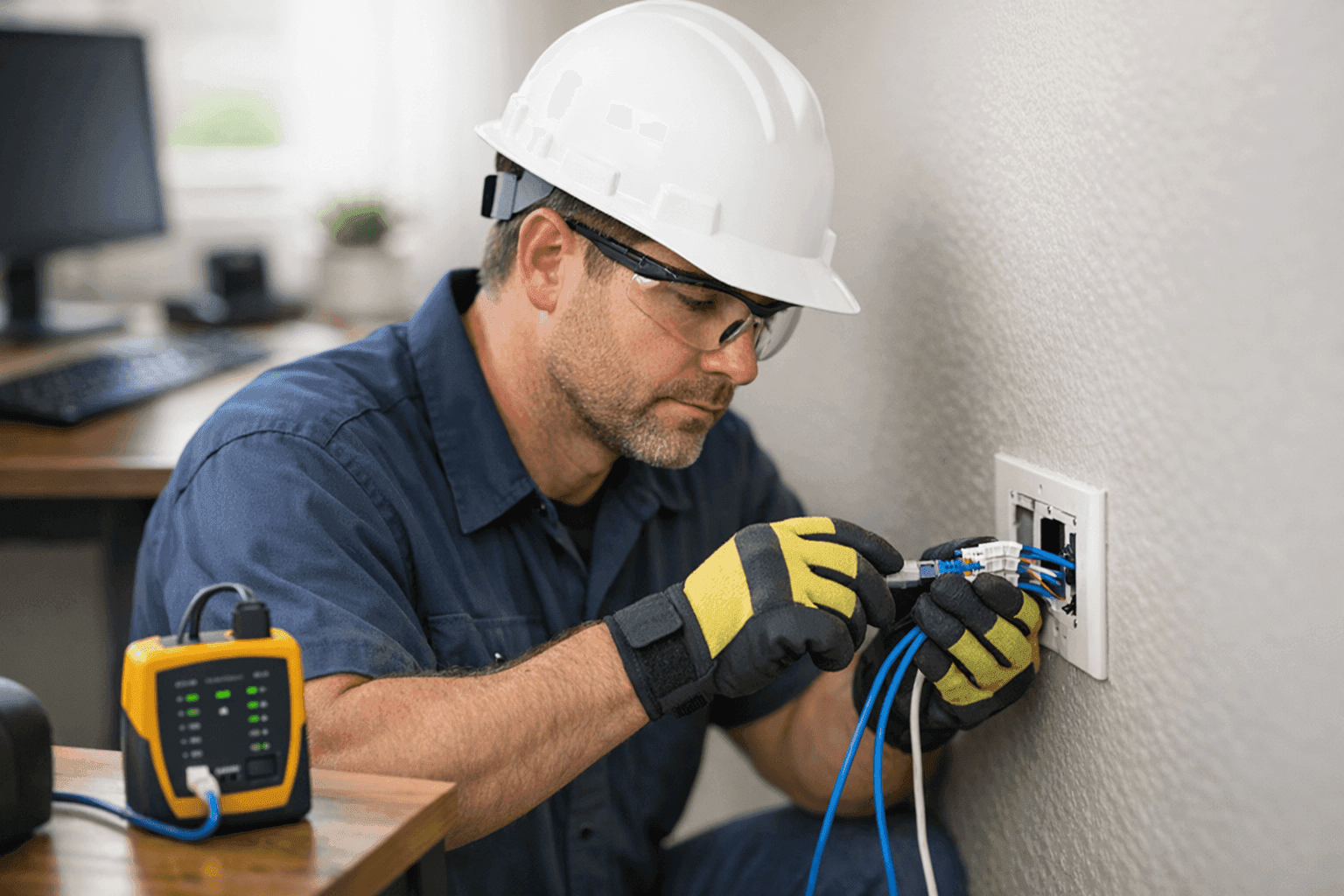
Is your home keeping up with the way you work, play, and connect? These days, fast and reliable phone, internet, and data cabling is as important as plumbing or lighting. Whether it’s streaming movies, running a home office, or smart home devices, modern families depend on seamless connectivity.
At Lighteq Electric, we’ve seen what happens when homes fall behind the tech curve—slow speeds, dropped calls, frustration. The good news? With smart planning, you can install cabling that keeps your home humming for years to come.
Why Structured Cabling Matters 📶
Think of your home’s cabling like a highway system. Well-planned roads mean smooth traffic and fewer jams. The same goes for structured cabling—it lays down organized “roads” for data, voice, and video signals to travel.
Why bother? Because wireless isn’t always enough. Walls, distance, and interference can slow Wi-Fi to a crawl. Hardwired connections deliver speed and reliability, especially for home offices, gaming, or smart TVs.
Structured cabling also sets your home up for the future. As technology evolves, having solid infrastructure means you won’t need to rip out walls every time a new gadget hits the market.
Planning Your Network: The Smart Start
Before a single wire is run, take a step back. Planning is where the magic happens.
- Map Your Needs: List out every room and space that needs a connection. Don’t forget areas like the garage, patio, or workshop.
- Think Ahead: Will you want security cameras later? A dedicated home office? Plan for what you need today and what you might want tomorrow.
- Centralize Equipment: Place your modem, router, and main hub in a central, accessible location to minimize cable runs and maximize coverage.
Tip: Draw a simple floor plan. Mark where you want outlets for phone, internet, and data. This blueprint saves headaches—and costs—down the road.
Types of Cabling: Cat5e, Cat6, Fiber—What’s Best?
Not all cables are created equal. Here’s what you need to know:
- Cat5e: Affordable and capable of handling speeds up to 1,000 Mbps. Great for basic home networking and phone lines.
- Cat6: The workhorse for modern homes. Handles higher speeds (up to 10,000 Mbps over short distances), less interference, and is more future-proof.
- Fiber Optic: The gold standard. Blazing fast and immune to electrical interference. Often used for backbone connections or when you want the ultimate in speed and reliability.
For most homes, Cat6 strikes the right balance of cost and performance. But if you’re wiring for today and tomorrow, consider running a mix—Cat6 for most runs, with a fiber optic backbone if you plan major upgrades or have a large property.
Installation and Testing: What to Expect
Installation isn’t just pulling wires through walls. A good electrician maps routes, avoids hazards, and keeps everything tidy.
- Drilling and Routing: Cables are run through walls, ceilings, or crawl spaces. Care is taken to avoid power lines, water pipes, and sharp bends.
- Labeling: Each cable is clearly labeled at both ends. This makes troubleshooting and future upgrades much easier.
- Terminating: Cables are terminated in wall plates or network panels for a clean, professional look.
- Testing: Every connection is tested with certified equipment to ensure speed and reliability. No guesswork.
Pro tip: Always ask for a test report. This verifies your new wiring meets standards like TIA/EIA-568 and local building codes.
Quick Safety Checklist
Safety isn’t optional. Cabling projects must respect codes and safe practices.
- Use plenum-rated cables in air-handling spaces.
- Keep data cables away from electrical wiring to avoid interference.
- Don’t overload wall boxes or jam too many cables into one space.
- Follow NEC (National Electrical Code) and your local regulations.
If you’re not sure, call a licensed electrician. Mistakes can lead to fires or future headaches.
DIY vs. Call a Pro: What’s Right for You?
Running cables might seem simple—until it’s not. Drilling through studs, snaking wires, avoiding hazards, and terminating ends takes skill and the right tools.
DIY mistakes can mean poor performance, safety risks, or expensive rework. A qualified electrician brings experience, proper testing equipment, and knowledge of electrical codes.
If your project is more than a single cable run or involves wall fishing, consider calling Lighteq Electric for peace of mind.
What Pros Do On Arrival
Expect a friendly walkthrough. An electrician will discuss your needs, inspect your home’s layout, and suggest the best approach. They’ll:
- Assess existing wiring and conditions
- Identify the best cable paths
- Minimize wall damage and disruption
- Provide a clear estimate and timeline
We also check for other opportunities—like upgrading outlets or adding surge protection while we’re there.
Prevention & Maintenance: Keep Your Network Strong
Wiring isn’t set-and-forget. Here’s how to keep things running smoothly:
- Check jacks and outlets for loose connections every six months.
- Dust off network equipment and make sure cooling vents aren’t blocked.
- Use surge protectors to guard against lightning or power surges.
- Schedule periodic inspections, especially if you add new devices or notice slowdowns.
Costs & Time Factors
Every home is different. Factors that affect cost and installation time:
- Size of home and number of outlets
- Type of cabling (Cat5e, Cat6, or fiber)
- Wall construction and accessibility
- Distance from central hub to each room
Most basic installations can be done in a day or two. More complex jobs—like running fiber or wiring large homes—take longer but deliver lasting value.
When It’s an Emergency
Damaged cabling can knock out your home office or security system. Signs of trouble:
- Frequent dropped calls or internet outages
- Intermittent connections or slow speeds
- Visible damage to wall plates or cabling
If you notice these, call for emergency service. Lighteq Electric offers Installations for urgent repairs—so you’re never left in the dark.
Seasonal Considerations
Extreme weather can affect outdoor cabling or connections in unconditioned spaces. Before summer storms or winter freezes:
- Inspect exterior jacks and cables for wear
- Seal gaps around cable entry points
- Consider upgrading to weather-resistant cable for exposed runs
Common Mistakes to Avoid
- Running data cables parallel and too close to electrical lines (causes interference)
- Skipping labeling or documentation
- Using cheap, untested cables
- Over-tightening cable ties (damages wires)
- Ignoring local code requirements
Better to do it right the first time than pay for fixes later.
Signs Your Home Needs an Upgrade
- Wi-Fi dead zones or weak signals
- Outlets in odd places or not enough jacks
- Frequent buffering, lag, or “no signal” errors
- Adding smart home devices or a home office
If this sounds familiar, it’s time to plan for new cabling.
Timeline & Disruption: What to Expect
Worried about holes in walls or days of mess? Most installations are tidy and efficient. A good electrician uses fish tape, flexible bits, and patching for minimal disruption.
For larger projects, we schedule around your routine and clean up every step of the way.
Materials & Equipment You’ll Need
- Cat5e, Cat6, or fiber optic cable (choose the right grade)
- Wall plates, keystone jacks, and patch panels
- Cable testers and labeling tools
- Staples, ties, and cable management accessories
- Drill, fish tape, and safety gear
Pro tip: Buy a little extra cable. It’s better to have a few spare feet than come up short.
Frequently Asked Questions
Do I really need hardwired data cabling in a Wi-Fi world?
Yes. For devices that need stable, fast connections—like desktop PCs, gaming consoles, or workstations—wired beats wireless.
Can I mix cable types?
Absolutely. Use Cat6 for main runs, Cat5e for phones, and fiber for future upgrades.
Is cabling covered by code?
Yes. Always follow the National Electrical Code and local building regulations.
How do I future-proof my home?
Install higher-grade cabling (like Cat6 or fiber) even if you don’t use it right away. Plan extra jacks and runs for growth.
Authoritative Resources
For more details, reference the National Electrical Code (NEC), and standards from the Telecommunications Industry Association (TIA/EIA-568). Home tech evolves fast—solid, code-compliant cabling is your best insurance against obsolescence.
Plan for Today—and Tomorrow
A well-cabled home isn’t just about today’s gadgets. It’s an investment in how you’ll live, work, and connect for years ahead. Whether you’re renovating, building, or simply ready for an upgrade, Lighteq Electric can help.
Looking for reliable Phone, Internet & Data Cabling or a trusted electrician near you? Our team is ready to make your home smarter, safer, and faster—no matter where you are in your upgrade journey.
Call Lighteq Electric now — or reach us anytime at 855-552-3493 .