Smart Home Lighting: Electrical Considerations and Installation Tips
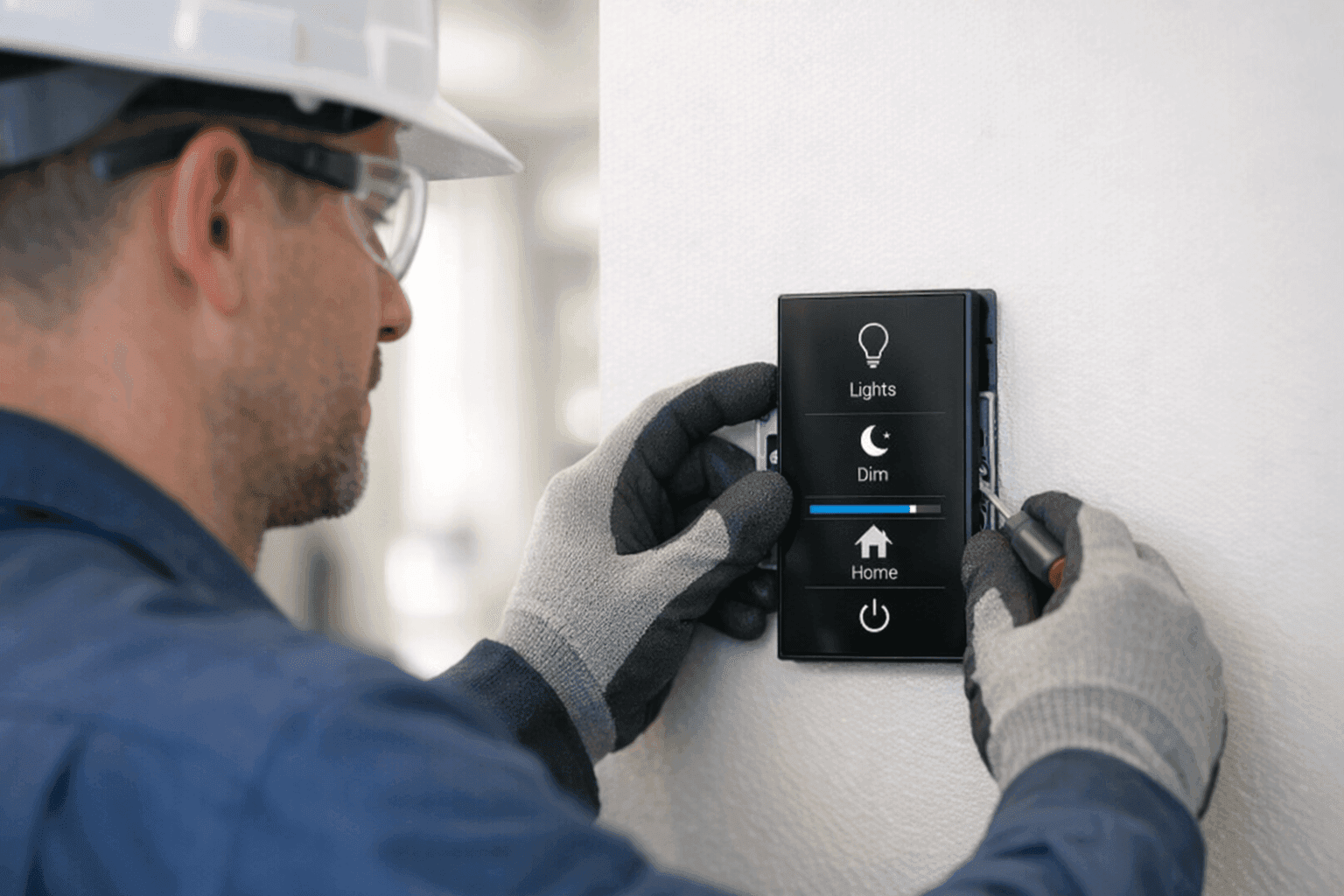
Is your home lighting still stuck in the past? Maybe you’re dreaming of controlling your lights from your phone, or setting the perfect mood with a voice command. Smart home lighting isn’t just about convenience—it’s about safety, efficiency, and the kind of comfort that makes coming home feel special.
But before you swap out every bulb, take a deep breath. Modern lighting upgrades can get tricky behind the walls. At Lighteq Electric, we help homeowners bring their lighting visions to life, safely and up to code. Here’s what you need to know before flipping the switch on smart home lighting.
What Is Smart Lighting? 💡
Think of smart lighting as upgrading from an old bicycle to a sleek electric car. You still get where you’re going, but with more control, speed, and style. Smart lighting lets you:
- Dim lights with your phone or voice
- Set schedules to match your routine
- Create scenes for relaxing, reading, or entertaining
- Save energy by automating lights when not in use
These systems use wireless connections (Wi-Fi, Zigbee, or Z-Wave) or dedicated wiring to connect switches, bulbs, and hubs. They’re the backbone of today’s home automation systems, making your house work for you.
Wiring Requirements: What’s Hiding in Your Walls?
Smart lighting doesn’t just screw into a socket. Most systems need a solid electrical foundation. Here’s why:
- Neutral wires: Many smart switches need a neutral wire to work properly. Homes built before the 1980s might not have them everywhere.
- Grounding: Proper ground wires protect your devices—and your family—from electrical faults.
- Load capacity: New lighting circuits can overload old wiring if not planned right.
Before installing, a qualified electrician will check your panel, circuits, and wiring paths. The National Electrical Code (NEC) sets clear standards for these upgrades—skipping steps isn’t worth the risk.
Choosing the Right System for Your Home
Smart lighting isn’t one-size-fits-all. Start by asking:
- Do you want to control just a few rooms, or your whole house?
- Is voice control (Alexa, Google, Siri) a must-have?
- Do you prefer smart bulbs, smart switches, or both?
- Will your system need to integrate with other smart devices (like security or climate controls)?
Look for products from reputable brands with solid support and regular updates. Beware of off-brand imports—they can be unreliable or even unsafe. The right system should fit your lifestyle and grow with your needs.
Installation Steps: From Plan to Power
Ready to make the leap? Here’s what a typical installation looks like:
- Assessment: Evaluate your current wiring and breaker capacity.
- Planning: Decide on switch locations and smart bulb types.
- Upgrades: Install neutral wires or new circuits if needed.
- Device Installation: Mount smart switches, outlets, and bulbs.
- System Setup: Connect devices to your home Wi-Fi or hub.
- Testing: Ensure all controls, dimming, and automations work as expected.
- User Training: Learn the system basics—setting schedules, scenes, and troubleshooting.
Some jobs are quick. Others, like whole-home rewiring, take more time and careful coordination. Your electrician will walk you through each step.
Compatibility and Code Considerations
Smart lighting must play nicely with your existing electrical system—and local codes. Here’s what to watch for:
- Compatibility: Not all smart devices work with every home. Double-check voltage, load, and switch types.
- Code Compliance: NEC and local rules may require AFCI or GFCI protection for new circuits.
- Permits: Some upgrades (like panel work or major rewiring) require permits and inspections.
Skipping these steps isn’t just a shortcut—it can void insurance or put your safety at risk. Always rely on a licensed electrician for code-sensitive work.
Safety First: Quick Checklist Before You Start 🛑
- Turn off power at the breaker before touching any wires.
- Use voltage testers to confirm circuits are dead.
- Never bypass ground wires or neutral connections.
- Don’t overload circuits with multiple smart devices.
- Replace any damaged or frayed wiring before adding new tech.
If you’re unsure at any step, stop and call an electrician. Safety isn’t a place for shortcuts.
DIY or Call a Pro? Knowing Your Limits
Some smart bulbs and plug-in devices are truly DIY-friendly. But when it comes to hardwired switches, dimmers, or whole-room rewiring, it’s a different ballgame.
Professional electricians handle:
- Identifying hidden wiring issues
- Upgrading panels or circuits
- Ensuring code compliance
- Troubleshooting device compatibility
Think of it like plumbing—some fixes are simple, but bigger leaks need a pro. For anything beyond basic bulb swaps, bring in a licensed electrician.
What Happens When the Pros Arrive
When you call Lighteq Electric, our team:
- Listens to your goals—what you want your lighting to do
- Inspects your existing electrical setup
- Recommends solutions that fit your needs and budget
- Installs and tests devices, making sure everything works smoothly
- Explains how to use your new system
We leave your home clean, safe, and ready for the future.
Costs, Materials, and Time Factors
Smart lighting projects run the gamut from simple (a few bulbs and switches) to complex (whole-home automation). Key factors affecting cost and timing:
- Age and type of wiring—older homes may need upgrades
- Number of devices
- Panel capacity
- System complexity (standalone vs. integrated)
Most single-room upgrades take a few hours. Whole-home projects can last a day or more, especially if new circuits are required.
Common Issues: What Can Go Wrong? ⚠️
Smart lighting is reliable—but not immune to hiccups. Watch out for:
- Flickering or buzzing (often a sign of incompatible dimmers)
- Devices dropping off Wi-Fi or hubs
- App malfunctions or updates breaking routines
- Overloaded circuits tripping breakers
Regular maintenance and software updates help. If you notice persistent problems, it’s time to troubleshoot or call an electrician.
Prevention and Maintenance for Smart Lighting
Keep your system running smoothly with these tips:
- Update device firmware regularly for security and performance.
- Test schedules and scenes after power outages or app updates.
- Dust sensors and switches—grime can block touch controls.
- Schedule annual electrical safety checks with a licensed electrician.
Just like your car, regular tune-ups make all the difference.
When It’s an Emergency
Some issues can’t wait:
- Burning smells or sparking from switches
- Frequent breaker trips
- Lights that won’t turn off or on
In these cases, turn off power at the panel and call for emergency electrical service right away.
Seasonal and Lifestyle Considerations
Your needs change with the seasons. In winter, smart lighting boosts safety and comfort with schedules for early sunsets. Summer brings outdoor entertaining—patio and pool lighting can join your smart system, too.
Thinking ahead? Plan for future upgrades, like integrating security, climate, or even Installations.
Common Mistakes to Avoid
- Mixing incompatible devices or brands
- Skipping the neutral wire requirement
- Overloading old circuits with new tech
- Ignoring code or permit requirements
Take it slow, plan ahead, and consult with professionals. Mistakes behind the walls can haunt you later.
Timeline and Disruption: What to Expect
Most smart lighting upgrades cause minimal disruption. Single-room jobs may take just half a day. Whole-home installations could mean more dust and downtime—but your electrician will minimize mess and keep you informed every step of the way.
Signs You Need an Upgrade
- Switches feel hot to the touch
- Lights flicker or dim unexpectedly
- You want more control but your wiring can’t support it
- You’re planning renovations or resale
If any of these sound familiar, it’s time to explore your options.
FAQ: Your Smart Lighting Questions Answered
Q: Can I use smart bulbs with my old switches? A: Sometimes, but some switches may cause flickering or lose smart features when turned off.
Q: Do I need Wi-Fi everywhere? A: Most systems use Wi-Fi or mesh networks. Weak signals can affect performance—consider range extenders for larger homes.
Q: Will smart lighting work during a power outage? A: No. But backup generators or battery systems can keep essentials running.
Q: Are smart lighting systems safe? A: Yes, if installed correctly and kept up to date. Always follow manufacturer and code guidelines.
Future-Ready Lighting: Why Professional Installation Matters
Smart lighting is more than a gadget. It’s an investment in your home’s comfort, safety, and value. A professional installer ensures your system is code-compliant, reliable, and ready for whatever comes next.
If you’re in the area and looking for reliable Lighting, Lighteq Electric has the experience and know-how to guide you from first spark to finished system.
Ready to modernize your lighting? Call Lighteq Electric now — or reach us anytime at 855-552-3493 .