How to Upgrade Home Data Cabling for Faster Internet and Streaming
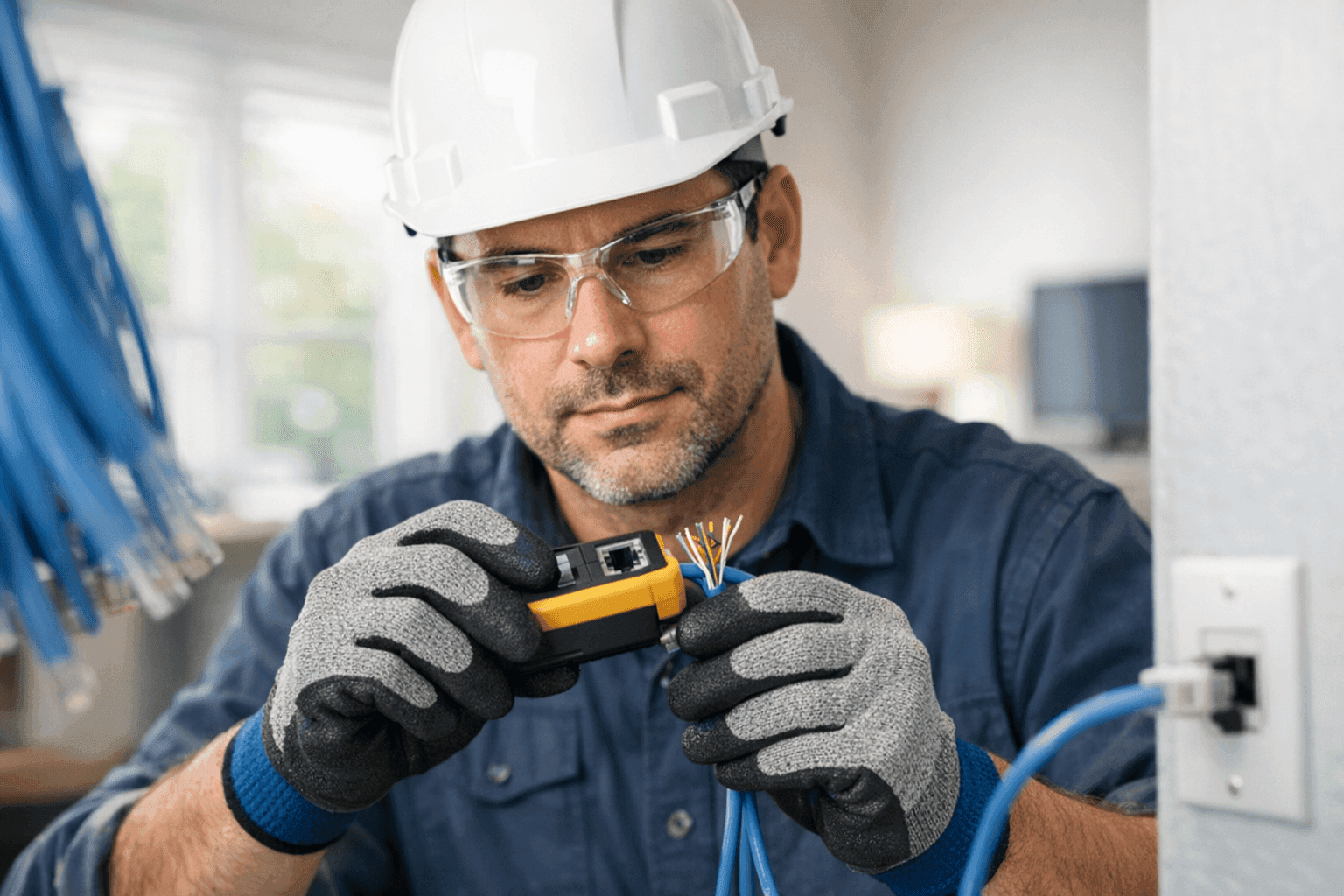
Is your movie night always buffering? Has your video chat cut out one too many times? You’re not alone. Slow internet and glitchy streaming are frustrating. And for more families than ever, they’re a daily reality.
At Lighteq Electric, we understand how essential a fast, reliable home network is. Our electricians help homeowners upgrade wiring, boost bandwidth, and future-proof their spaces—so you can work, play, and unwind without interruption.
Why Upgrade Data Cabling?
Think of your home’s data cabling as the plumbing for your internet. Old, leaky pipes limit water flow; outdated cables choke your signal. Video calls freeze. Movies pause. Gaming lags. Upgrading your cabling clears the path for high-speed data—no more digital traffic jams.
Bandwidth is like a highway. The more lanes you have, the more cars (or, in this case, streams and downloads) can move smoothly at once. Modern cabling supports higher bandwidth, letting you stream, browse, and game across many devices with ease.
Plus, with every new gadget—smart TVs, Wi-Fi thermostats, even doorbell cameras—your network gets busier. Investing in better cabling is like widening that highway now so you’re ready for tomorrow’s tech.
Types of Home Cabling: Cat5e, Cat6, and Fiber
Choosing the right cable is half the battle. Here’s a quick rundown:
- Cat5e: Still common in many homes. Handles up to 1 Gbps (Gigabit per second). Fine for basic browsing, but can bottleneck with heavy streaming or gaming.
- Cat6: Step up your speed. Supports up to 10 Gbps at shorter distances. Better shielding means less interference. Ideal for 4K streaming, smart homes, and busy families.
- Fiber Optic: The gold standard. Lightning-fast, immune to electrical interference, and almost future-proof. More costly, but unbeatable for speed and reliability.
Not sure which fits your needs? Consider how many devices you use, your internet plan’s top speed, and whether you want to avoid another upgrade for years to come. An electrician can help you balance performance and budget.
A Quick Safety Checklist Before You Begin ⚡
Safety first—always. Before touching any wiring:
- Turn off power at the breaker panel.
- Use a voltage tester to double-check.
- Wear insulated gloves and eye protection.
- Never run data cables parallel to high-voltage wires—they can pick up interference.
- Check local building codes or consult the National Electrical Code (NEC) for guidance.
If you’re unsure about any step, it’s time to call a qualified electrician.
DIY vs. Call a Pro
It’s tempting to try it yourself. For some, running a cable through the attic or crawling under the house sounds like Saturday fun. But, like fixing your own car’s brakes, mistakes can be costly—or dangerous.
A licensed electrician knows how to:
- Route cables without damaging walls or insulation.
- Avoid hazards like water pipes and electrical lines.
- Ensure all connections are safe, tidy, and code-compliant.
- Test and certify the installation.
When in doubt, professional help isn’t just about convenience. It’s about keeping your home safe and your new cabling working as it should.
What Pros Do When They Arrive
Ever wonder what happens during a professional installation? Here’s a peek behind the curtain:
- Assessment: The electrician checks your current setup, discusses your needs, and evaluates access points for new cables.
- Routing Plan: They map the best paths—through walls, floors, or ceilings—minimizing disruption.
- Material Selection: Based on your bandwidth goals and device count, they’ll recommend the right cable type.
- Installation: Using specialized tools, they pull, terminate, and test each run.
- Cleanup: No mess left behind. Every outlet and faceplate is secure and labeled.
For Waterloo homeowners, our team can handle all aspects of Electrical System Installation with care and precision.
Installation Steps: Laying the Groundwork
Ready to see how it all comes together? Here’s the basic process:
- Plan the Layout: Decide where you want wired connections (offices, living rooms, gaming zones).
- Measure and Mark: Use chalk or painter’s tape to mark cable routes.
- Drill and Route: Carefully drill holes for cable runs. Fish cables through walls, avoiding sharp bends.
- Terminate Ends: Attach connectors (like RJ45s) to each end and secure them into wall plates.
- Test Connections: Use a cable tester to verify each run works perfectly.
- Label Everything: Mark each connection for easy troubleshooting later.
If you’re adding a lot of new devices, consider combining this with other Installations or even a full phone, internet and data cabling upgrade for maximum efficiency.
Testing and Troubleshooting: Don’t Skip This Step 🛠️
A new cable that doesn’t work is worse than no cable at all. Here’s how the pros check their work:
- Tester Check: Plug in a network cable tester to verify connectivity, speed, and pin alignment.
- Signal Quality: Make sure there’s no interference from nearby power lines or appliances.
- Device Test: Connect laptops, smart TVs, or gaming consoles to confirm real-world speeds.
- Visual Inspection: Ensure no cables are pinched, kinked, or exposed.
If anything fails, retrace your steps. Sometimes it’s as simple as a loose connector or a stray wire.
Bandwidth, Streaming, and Future-Proofing Explained
Think of bandwidth like the diameter of a pipe. A wider pipe delivers more water; more bandwidth brings faster data. If your cabling is too old or thin, it’s like trying to fill a swimming pool through a straw.
Streaming high-definition video, gaming online, and running smart home devices all need big, steady flows of data. Upgrading your cabling is like replacing that straw with a firehose—ready for today’s demands and tomorrow’s new tech.
Fiber optic lines, for example, can handle almost anything the future might throw at you. Cat6, while less expensive, is still a huge step up for most homes.
Prevention & Maintenance: Keep Your Network Healthy
Just like any part of your home, your network needs care:
- Avoid bending cables sharply—think gentle curves, not tight knots.
- Keep cables away from sources of heat or moisture.
- Label every run; you’ll thank yourself during future upgrades.
- Schedule electrical safety checks every few years, per NEC and local guidelines.
A tidy, well-maintained network means fewer headaches down the line.
Costs & Time Factors
Budget is always part of the plan. Installation costs will vary based on:
- Cable type (Cat6 vs. fiber).
- Number of rooms and cable runs.
- Accessibility (finished walls vs. open basements).
Most professional installations take one to two days for an average home. The upfront investment pays off in speed, reliability, and fewer tech headaches.
When It’s an Emergency
If you rely on your home network for work, security, or health monitoring, downtime is more than an inconvenience—it’s a risk. Sudden failures, unexplained outages, or visible damage to wires mean it’s time to act fast.
Lighteq Electric offers 24 hour service for urgent needs, from Pool & Spa Electrical to emergency repairs.
Common Mistakes to Avoid ⚠️
- Running data cables too close to power lines (causes interference).
- Using the wrong cable for your internet speed.
- Leaving cables exposed to pets or foot traffic.
- Failing to test every connection before closing up walls.
A little care goes a long way.
Signs That It’s Time to Upgrade
- Frequent buffering, even on high-speed plans.
- Wi-Fi dead zones that never seem to improve.
- Devices disconnecting or dropping signal.
- Visible wear, fraying, or old (Cat5e or lower) cables.
If any of these sound familiar, an upgrade is likely overdue.
Timeline & Disruption: What to Expect
Worried about mess and chaos? A skilled electrician minimizes disruption:
- Most upgrades fit within a day or two.
- Dust and debris are kept to a minimum.
- Wall repair and touch-ups are handled as needed.
- You’ll have internet access again as soon as possible.
Clear communication and careful planning mean smoother sailing.
Materials & Equipment Pros Use
- High-quality Cat6 or fiber optic cables.
- Certified connectors and jacks.
- Network testers and crimping tools.
- Safety equipment—gloves, masks, voltage detectors.
Cutting corners here leads to headaches later. The right materials mean longer-lasting, trouble-free performance.
Frequently Asked Questions
Do I need new cables if I just upgraded my modem?
Yes, if your old cabling can’t handle the speed, you’re still bottlenecked.
Can I mix Cat5e and Cat6 in one network?
You can, but the slowest cable sets your top speed.
Does Wi-Fi replace the need for wired connections?
Wi-Fi is convenient, but wired connections are more stable, faster, and secure—especially important for streaming and smart home devices.
How do I know if my installation meets code?
Work with an electrician familiar with NEC guidelines and local requirements.
Ready to Supercharge Your Home Network?
A reliable, high-speed network starts with quality cabling. Lighteq Electric delivers safe, code-compliant installations—so you can stream, work, and play without interruption. For Phone, Internet & Data Cabling or any home electrical needs, our experienced team is ready to help.
Call Lighteq Electric now — or reach us anytime at 855-552-3493 .